Unlocking an Xperia Z3 Compact Online
Translated from my original Japanese post (2019). 日本語の原文を読む →
Salut! It's Yoko, your geeky food blogger. Good evening.
When my dad tried to use his SIM in Spain, the phone turned out to be SIM-locked and wouldn't work. That sad incident led me to write about SIM unlocking.
I also wrote a couple of other posts on the topic.
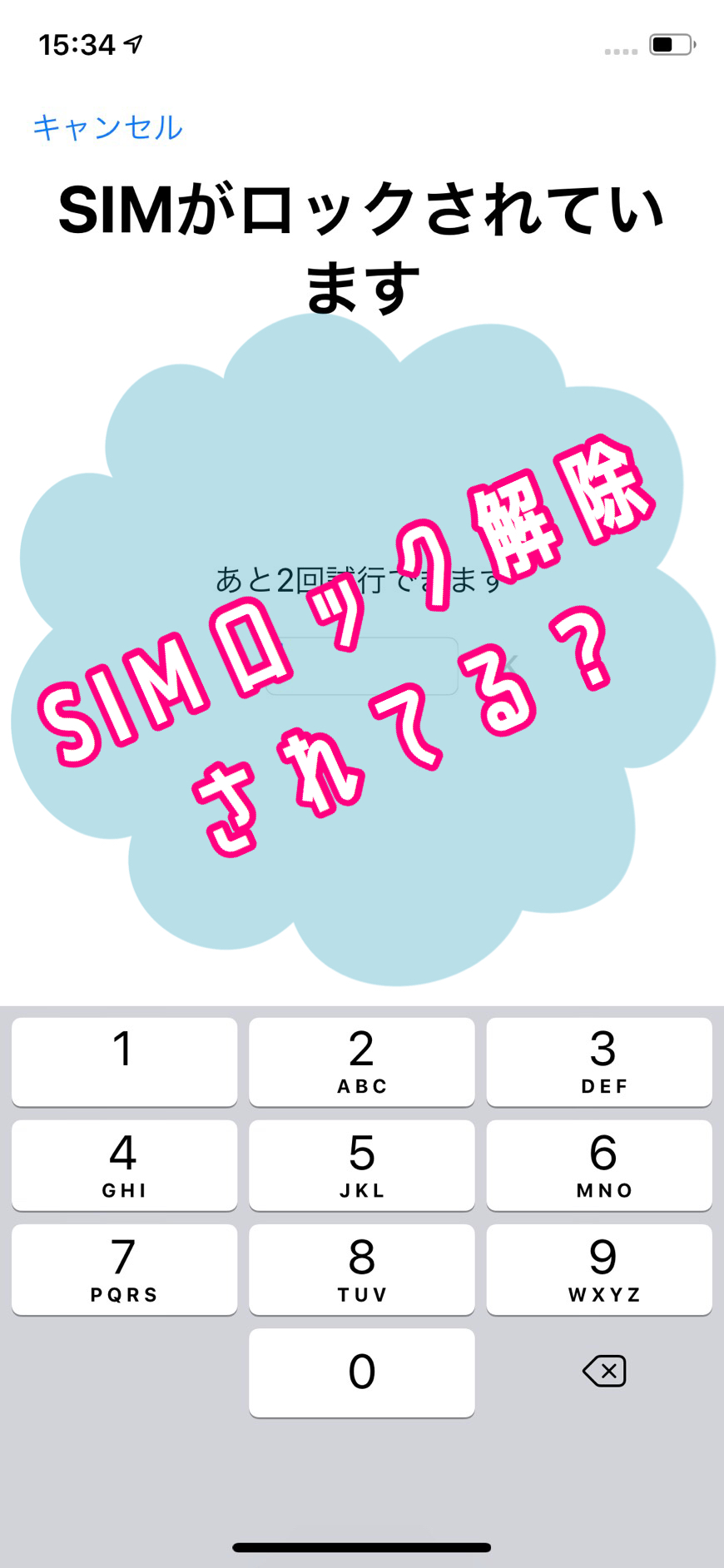

This post covers how I actually unlocked my dad's Android phone, an Xperia Z3 Compact, online!
The SIM unlock worked, so I hope this helps anyone with the same phone or anyone considering an online SIM unlock.
I unlocked the SIM lock on the Xperia Z3 Compact myself
My dad used to be a Docomo customer and now uses mineo's Docomo plan.
Since he stayed on the same network (Docomo to Docomo), he had never unlocked the SIM.
Because the Xperia Z3 Compact is an older model, unlocking it through the carrier meant going to a Docomo shop in Japan,
but my dad was in Spain and couldn't do that, so we decided to try an online service instead of the carrier.
Checking the phone's SIM lock status (Xperia)
Before unlocking online, you need to confirm that the phone is really SIM-locked.
On the dial pad, tap *#*#7378423#*#*.

This is a secret Xperia code that opens a service menu where you can check the phone's status.
If a black screen appears, it worked. This is getting kind of fun, isn't it?!
I forgot to take a screenshot, but on that screen there's a menu called "Service Info", so tap it.
Next you'll see a menu called "SIM Lock", so tap that.

You'll see a screen like this.

There's an [X] in front of "Network," and that X means the SIM is locked.
After "Network" it says "Unlimited," which means you can attempt the unlock as many times as you like.
If it says "10," for example, you can try 10 times.
And if it's "0," the SIM can't be unlocked at all...
Online unlock services won't accept your order if this is 0, so check it yourself before applying.
How to unlock the SIM online
After searching around, I applied through a site that looked trustworthy, www.cellunlocker.net.
The deciding factors were that other Japanese blogs reported successful unlocks with it,
and there were YouTube videos on how to unlock and reviews I could read.
Applying is very simple. From the top page, select the manufacturer, model, and carrier.

On the next screen it asks for the IMEI, so enter it.

IMEI stands for International Mobile Equipment Identity.
It's an international identification number assigned to smartphones and data devices, a 15-digit number used to verify the manufacturer, model, country of origin, serial number and so on.
You can find your IMEI by typing *#06# in the phone app (the dialing screen), or under Settings > About phone > IMEI.
The site's service is to issue an unlock code based on this IMEI.
After that, you just enter your card details and pay! It cost about ¥2,400.
They said the unlock code would arrive in anywhere from 1 to 5 days, but it never came, no matter how long I waited.
There's a "Track My Order" menu to check progress, but it just said "Processing" every time.
In the end it arrived on day 6 after I applied.
Unfortunately, my dad had already returned from Spain by then...
So we decided to unlock it in Japan.
To bring up the screen where you enter the unlock PIN code,
you normally need a SIM from a different carrier than the one you were using, or a SIM from a canceled contract.
But!
Everyone in my family is on Docomo and we had no such SIM, so I once again entered a hidden code in the phone app.

It's *#*#7465625#*#*.
The screen looks like this, and it shows that the phone is locked.

If you tap Network here, it asks for a "Network PIN."

There are several kinds of codes involved,
and cellunlocker sends four of them: NCK, NSCK, CCK, and SPCK.

NSCK: Net Subset Code Key
CCK: Corporate Code Key
SPCK: Service Provider Code Key
The Network PIN is the NCK, so I entered that code.
The moment of truth...

And then... the unlock worked!
The SIM Lock menu now says "Unlocked"!

Just to be sure, I checked the service menu too, and the [X] has become [].

Now he can use any SIM that comes along!!
There are countless phone models out there, so I can't say whether it will work on others,
but at least it unlocked the Xperia Z3 Compact, so I think the site can be trusted.
See you next time. Au revoir!