How to SIM-Unlock Your Phone Yourself
Translated from my original Japanese post (2019). 日本語の原文を読む →

Salut! It's Yoko, a food blogger who loves gadgets.
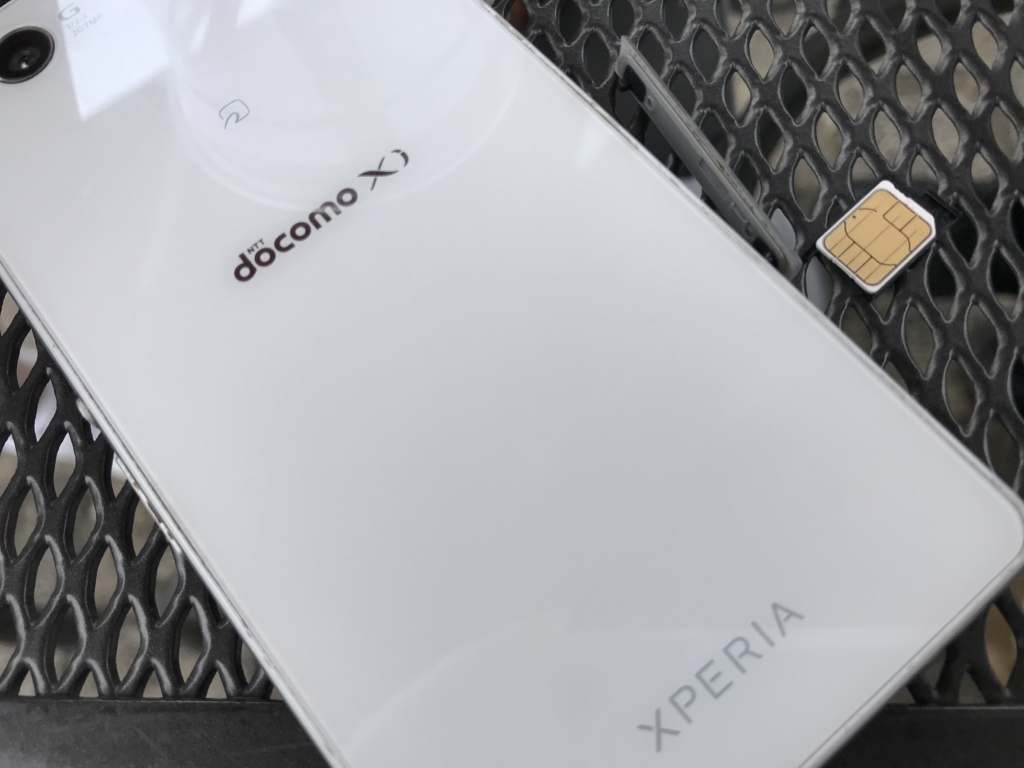
When my dad went to Spain recently, he tried to use a Three SIM in his phone from a few years ago (an Xperia Z3 compact),
but it was SIM-locked and wouldn't work...
After some trial and error, though, I managed to unlock it myself using an online service!
It took me a long time to check whether the phone was SIM-locked and to research how to unlock it myself,
- What a SIM lock is
- The pros and cons of unlocking
- How to unlock online
so I want to leave these notes for future reference.
A SIM lock is one way carriers keep customers locked in
What exactly is a SIM lock in the first place?
A SIM lock is said to exist to stop you from switching to another carrier (for example, from Docomo to SoftBank).
Phones contain a SIM card,
and the SIM card stores your phone number, IMEI (device identification number), subscriber information and so on.
It identifies the user, and it is also used as a lock that keeps the phone from working with other carriers.
That is called a SIM lock!
SIM locks aren't common overseas, but many phones in Japan are SIM-locked.
By the way, the lock is tied to the network, so if you're on Docomo now and the network you plan to switch to is also Docomo's,
both lines are Docomo, so you can switch without unlocking.
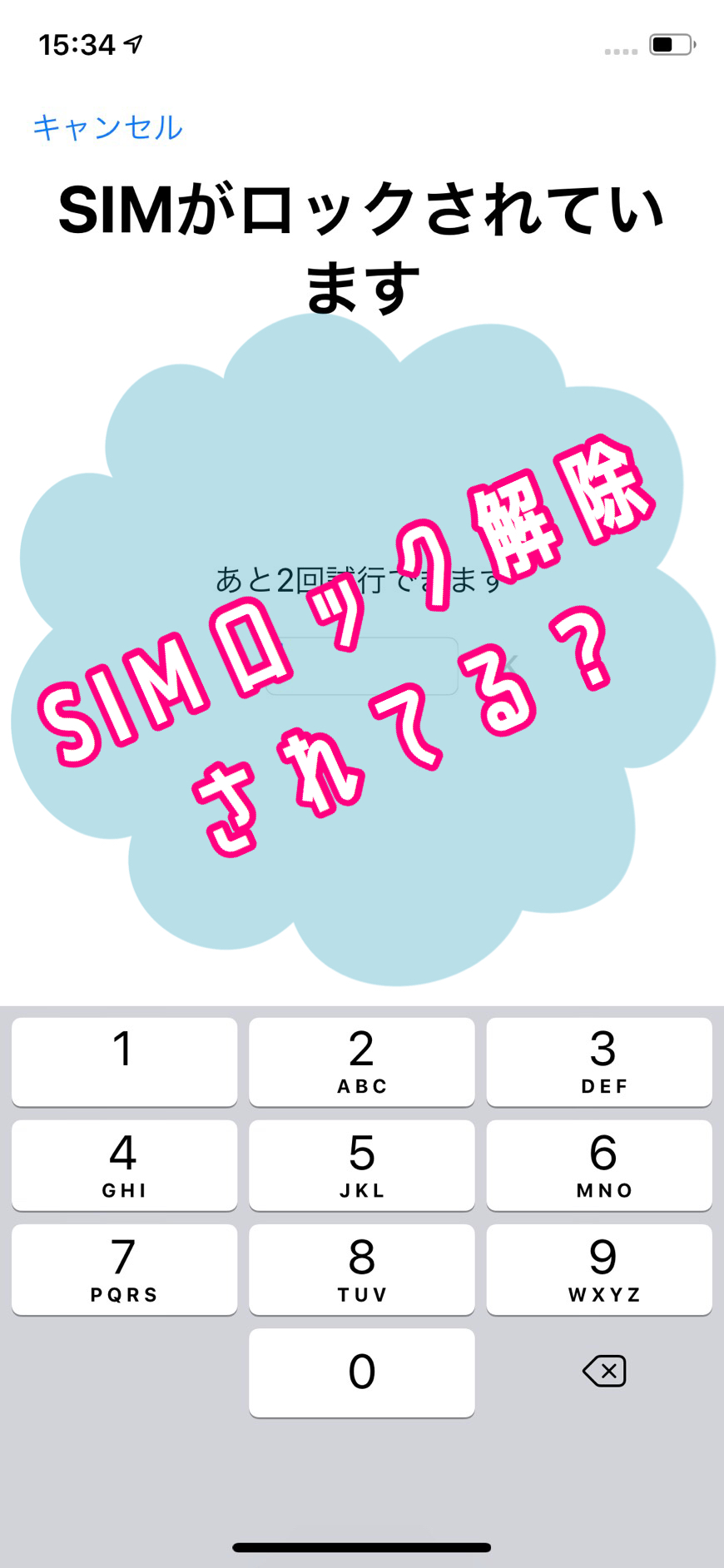
If you don't know whether your phone is SIM-locked, take a look at this article.
Pros and cons of unlocking
If you're thinking of unlocking, you probably wonder what happens afterward...
Honestly, though, unlocking has nothing but upsides.
Downsides of unlocking
A SIM lock exists to keep customers from leaving for another company, so unlocking has no downsides!
For example, canceling your Docomo contract means you can no longer use Docomo's apps, but that isn't caused by unlocking, is it?
Upsides of unlocking
This may sound a little suspicious, but... unlocking is all good news.
You can pick any carrier
With one of the major carriers, for example, you can unlock a phone you bought from Docomo and switch to SoftBank, and it still works.
Recently there are also budget SIMs (MVNOs), carriers where you can use a phone for around ¥2,000 a month,
and you don't need to buy a new phone when switching from a major carrier to one of these either!
You can use a budget SIM on your own phone abroad
Being able to choose any carrier of course means you can choose carriers overseas too.
If you travel abroad often, it pays to unlock your phone.
For example, Three, the carrier my dad tried to use in Spain, offers a SIM that works in 42 countries, starting with the UK.
It costs about ¥1,000 a month, whereas a rental pocket Wi-Fi abroad costs roughly ¥3,000 to ¥4,500 for five days in one country, so the SIM is definitely the better deal.
A used phone sells for more
On Mercari, Yahoo Auctions, at pawn shops and so on, when you sell a used phone, a SIM-unlocked one fetches a higher price.
The carrier you're on and the carrier the buyer wants to use aren't necessarily the same,
so naturally a phone that works with many carriers is worth more.
Depending on the model, the difference can run from a few thousand yen to nearly ¥10,000, so you could lose out if you list it without unlocking first.
How to unlock a SIM lock
There are three main ways to unlock.
Basically, though, unlocking is done through your carrier,
and using an online provider to unlock it yourself is entirely at your own risk.
Unlock through your carrier
This means applying to your carrier for unlocking.
Depending on whether you're under contract or have canceled, and when the phone was released, an administrative fee may be required (generally ¥3,000 everywhere).
Basically, if it's a fairly new phone and you're still under contract, you can probably apply on the web.
Docomo SIM unlock
au SIM unlock
SoftBank SIM unlock
However, carrier unlocking comes with conditions,
"only for phones more than 101 days after purchase," "phones bought used are excluded," "only the account holder can apply," "only within 90 days after cancellation"
and so on, so some people, for instance those living abroad, will have to give up on carrier unlocking.
Use a SIM unlock adapter (a "SIM geta")
A SIM unlock adapter is shaped like a SIM card tray and is sometimes called a "SIM geta" (SIM platform shoe).
When you put a SIM card on the adapter, it makes the phone recognize that SIM card as one that's allowed to be used.
So strictly speaking it isn't an unlock, but the phone behaves as unlocked only while you're using the adapter.
Since it isn't a carrier unlock, it's at your own risk,
but the phone is in an unlocked state from the day the adapter arrives, so I recommend it if you're in a hurry.
Use an online SIM unlock service
This uses an online SIM unlock service called a factory unlock.
The phone's manufacturer unlocks the SIM lock and makes it SIM-free.
Some are quite expensive, ranging from ¥10,000 to ¥40,000,
and there are apparently scam sites where you apply, pay, and months later the phone is still locked,
so you need to judge whether a site is really trustworthy.
The way to do it is to search for "factory unlock" or "unlock online" and apply to a site that looks good.
This is also how I unlocked my dad's phone, but it got long, so I wrote it up in a separate article.