How to Check Whether Your Phone Is SIM-Unlocked
Translated from my original Japanese post (2019). 日本語の原文を読む →
Salut! It's Yoko, a food blogger who loves gadgets.
My dad recently went on a trip to Spain, and
because he took a SIM-locked phone, the Three SIM he had bought for the trip wouldn't work... (sob)
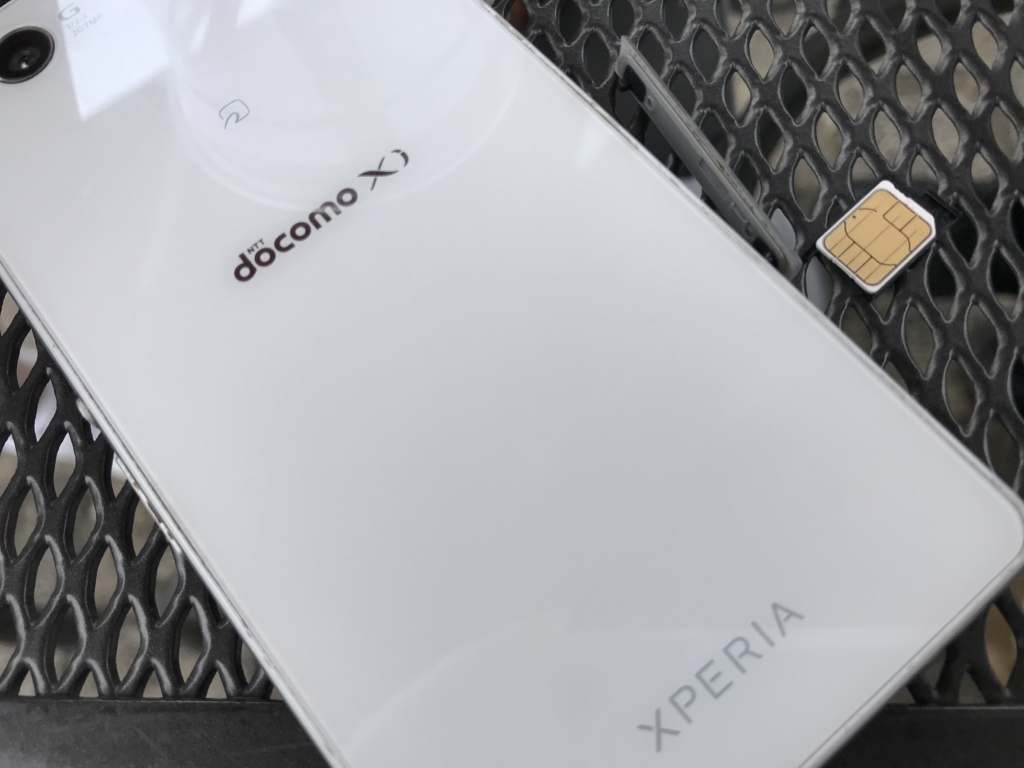
His Xperia Z3 Compact is an older model, so the SIM lock can only be removed at a docomo shop (a Japanese carrier's store), and of course he couldn't go to one in the middle of a trip to Spain. In the end, he unlocked the SIM using an online service.
- You bought a used smartphone on Mercari (a Japanese resale app) but it won't connect to the internet. Is it SIM-locked?
- You want to use a SIM abroad, but for some reason it asks for a password and won't work.
- It's your first time using a SIM abroad and you're worried it won't work. You want to check if your phone is unlocked!
I figured plenty of people are in this situation, so here is a note on how to check whether your smartphone is SIM-unlocked.
My Dad, Who Forgot to Unlock His SIM
A few years ago my dad switched from docomo to mineo (a Japanese budget carrier), and mineo worked fine without unlocking the SIM, so he never did it.
Years later, when the Spain trip was decided, he bought a Three SIM. But he didn't activate it (turn it on so the SIM can be used), because it can be activated in Japan too and the day you activate it counts as the start of your plan.
So he left for Spain without realizing the SIM lock was still on...
Check Your SIM Lock Early!
Unlocking a SIM can take about a week, so if you only find out when you try a new SIM, it's too late.
If you plan to use a SIM abroad or are thinking of switching carriers, it's safer to check early whether your current phone is SIM-free (SIM-unlocked).
Smartphones bought from carriers like docomo, au and SoftBank may be locked so that they work only on that carrier.
This is called a SIM lock.
When a phone is SIM-locked, SIMs from carriers you don't have a contract with, such as budget SIMs, won't work, so you need to confirm the lock has been removed (that it is SIM-free).
How to Check Whether Your SIM Lock Has Been Removed
There are three main ways to check!
Ask your carrier, insert a SIM from a carrier you don't use, or check on the phone's screen.
Ask Your Carrier
You can ask through your member page, customer service, or a retail store (shop).
With SoftBank, for example, SoftBank shops and SoftBank customer support can help.
Try Another Carrier's SIM
This means checking with a SIM card from a carrier other than your current one.
For example, if you're with au, try a docomo SIM.
If you're with SoftBank, try a docomo SIM.
If it works without trouble after swapping in a SIM from a different carrier, the phone is SIM-free. If it asks for a passcode or doesn't work, the SIM lock is on.
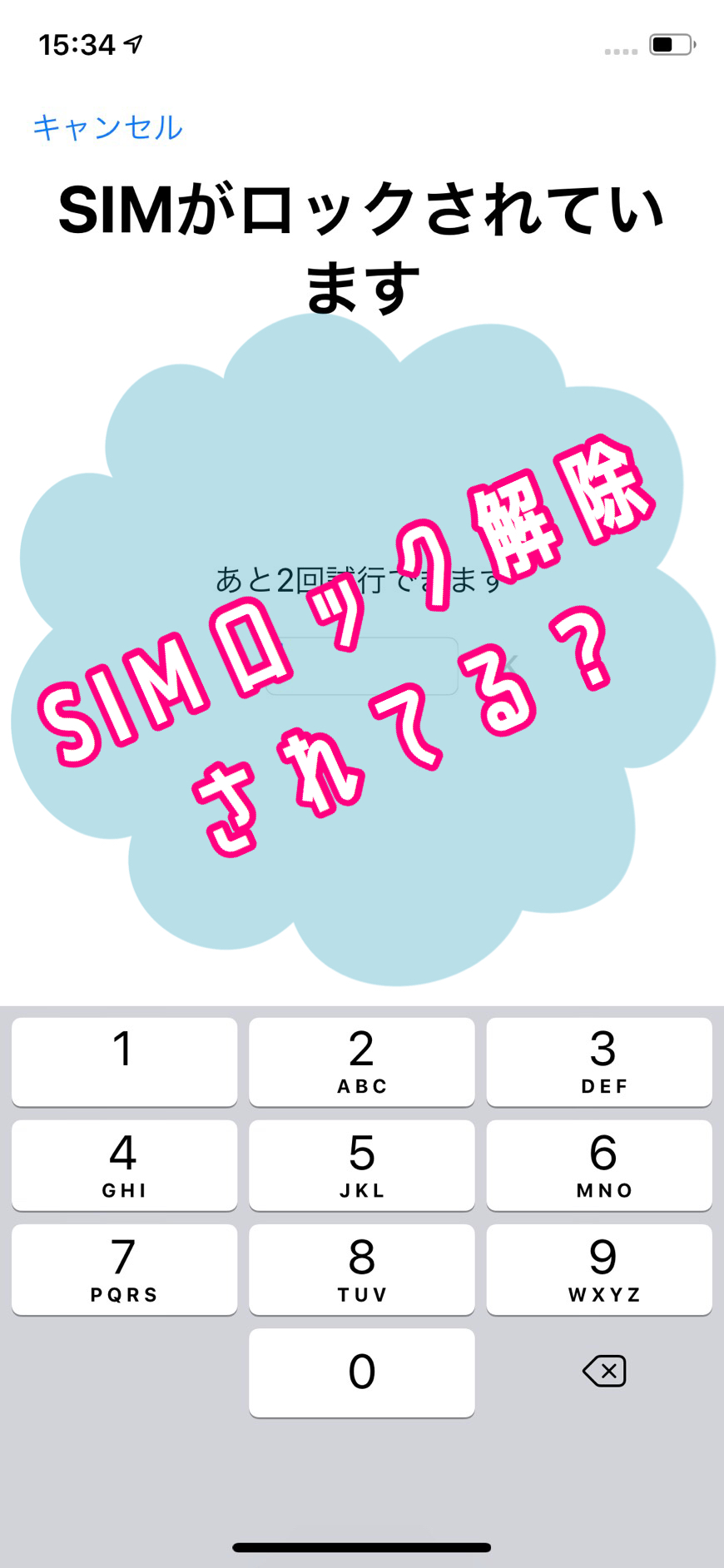
On an Android phone with a SIM lock, you'll be asked to enter a SIM unlock code after inserting the SIM card.
On an iPhone, you'll see messages such as "SIM Locked," "Activation Required," or "The SIM card inserted in this iPhone does not appear to be supported. You can only use a compatible SIM card from a supported carrier to activate this iPhone."
Budget SIMs in Japan actually rent lines from au, docomo and SoftBank.
For example, if you swap a docomo SIM for a SIM from mineo (a plan that uses the docomo network),
both are on docomo, so it will generally work even without unlocking the SIM.
*Depending on the device, a SIM unlock may be needed. Check whether your phone is on the list of verified devices for the budget SIM you want to sign up for.
Going from docomo to docomo won't tell you whether the SIM lock is off, because the carrier is the same.
Be sure to test with a SIM from a different carrier than the one you use now.
Checking an iPhone
If you don't have another carrier's SIM handy, you can erase and restore the iPhone to check whether it is SIM-unlocked.
Take a backup first, then erase and restore the iPhone. If you see "Your iPhone has been unlocked," the SIM lock is off.
Checking an Android Phone
Go to Settings > About phone > Status. If the SIM card shows something like "Unlocked" or "Allowed," the SIM lock has been removed.
*Menu names differ slightly by model, so look around. On some models you can also see the SIM lock status on the startup screen.
On Xperia, you can also enter a secret code to check whether the SIM is locked.
I explain the details in a separate article.
So, were you able to confirm whether your SIM lock has been removed?
It's pretty miserable to find out your new SIM card won't work just when you need it, especially in the middle of a trip...
If you haven't checked yet, please do it soon!
See you next time. Au revoir!