Getting Started with the Anova Sous-Vide Cooker
Translated from my original Japanese post (2019). 日本語の原文を読む →
Good evening! I'm Yoko, a food blogger who eats her way around the world!
I recently bought the Anova sous-vide cooker I'd had my eye on (applause!)
I'll explain more below, but the Anova is a cooking tool that automatically holds the temperature you set so you can make delicious food.
The first model came out in 2013, and last year a new, slimmer Anova Nano was released!
This post is for anyone thinking about buying an Anova. I introduce the three Anova models and explain how to use it.
The Differences Between All 3 Anova Models
Three models have been released since 2013, and the newest is the Anova Nano.
You can connect to and control the unit from the Anova app over Bluetooth and Wi-Fi,
but all models can control the temperature from the unit alone.
| Product | Connectivity | Multi-cook / multi-step support | Alexa, Google Home | Size | Weight | Wattage | Serves |
| Anova Precision® Cooker | Bluetooth + Wi-Fi | Yes | Yes | Diameter 6.98 cm, height 36.8 cm (minimum water depth 6.98 cm) | 1.1 kg | 900 W | 12 people |
| Anova Precision® Cooker | Bluetooth | − | − | Diameter 6.98 cm, height 36.8 cm (minimum water depth 6.98 cm) | 1.1 kg | 800 W | 8 people |
| Anova Precision® Cooker Nano | Bluetooth | Yes | − | Diameter 5.6 cm, height 32.5 cm (minimum water depth 13 cm) | 0.7 kg | 750 W | 4 people |
*Multi-cook / multi-step support lets you control multiple Anovas from the app.
How Is It Different from Other Sous-Vide Gear?
I bought the Bluetooth + Wi-Fi model! But it's big, so it's a little hard to handle. Honestly, I'd like to trade up to the Nano (lol).
All those features, like smart speaker support and multi-cook, I don't use at all.
For home use, the simple Anova Nano is perfectly fine.
Unboxing the Anova!
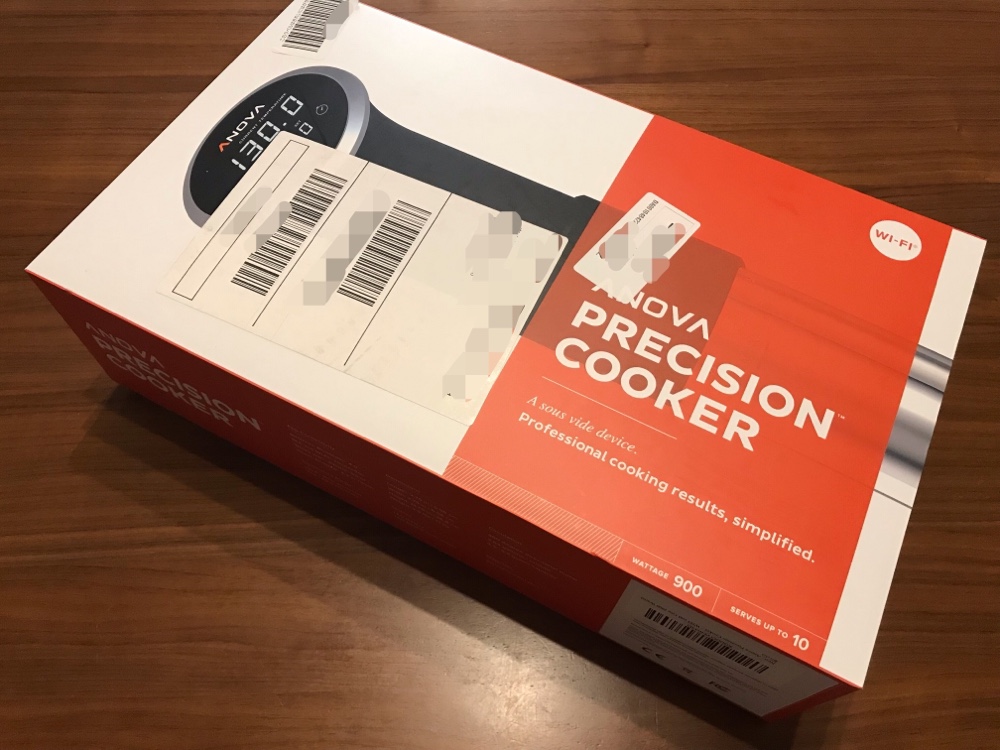
I've already opened my Anova, but let me introduce it starting with the box.
It's quite big. I measured it at 22.5 cm × 37.5 cm.
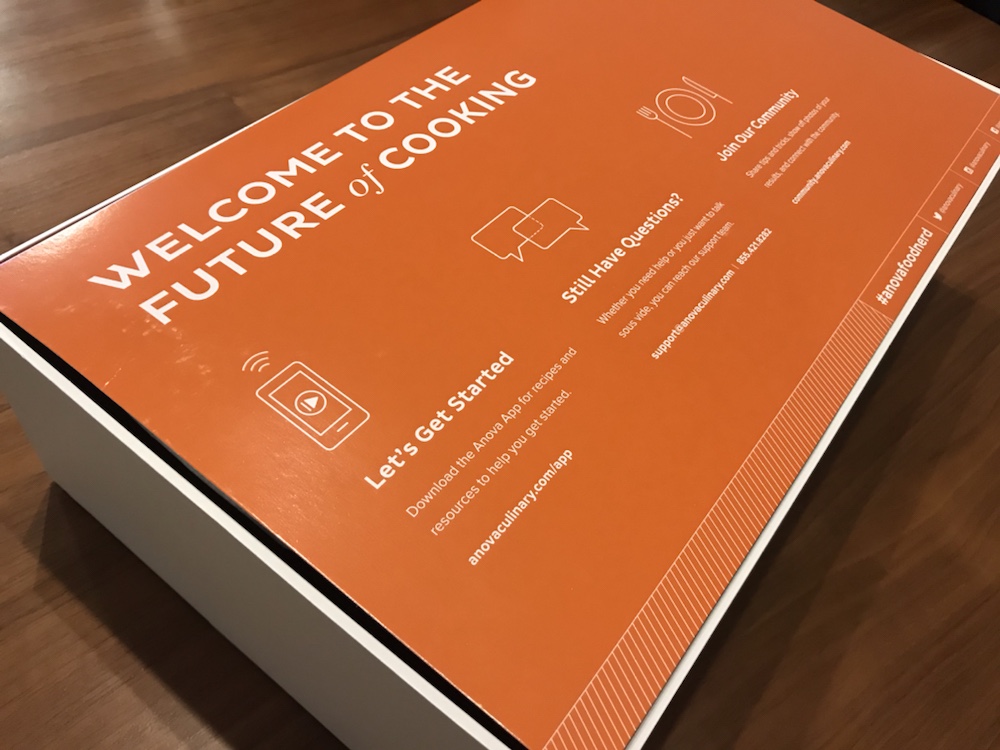
When you open the box, there's a cover that says "WELCOME TO THE FUTURE of COOKING."
It gets you excited!!
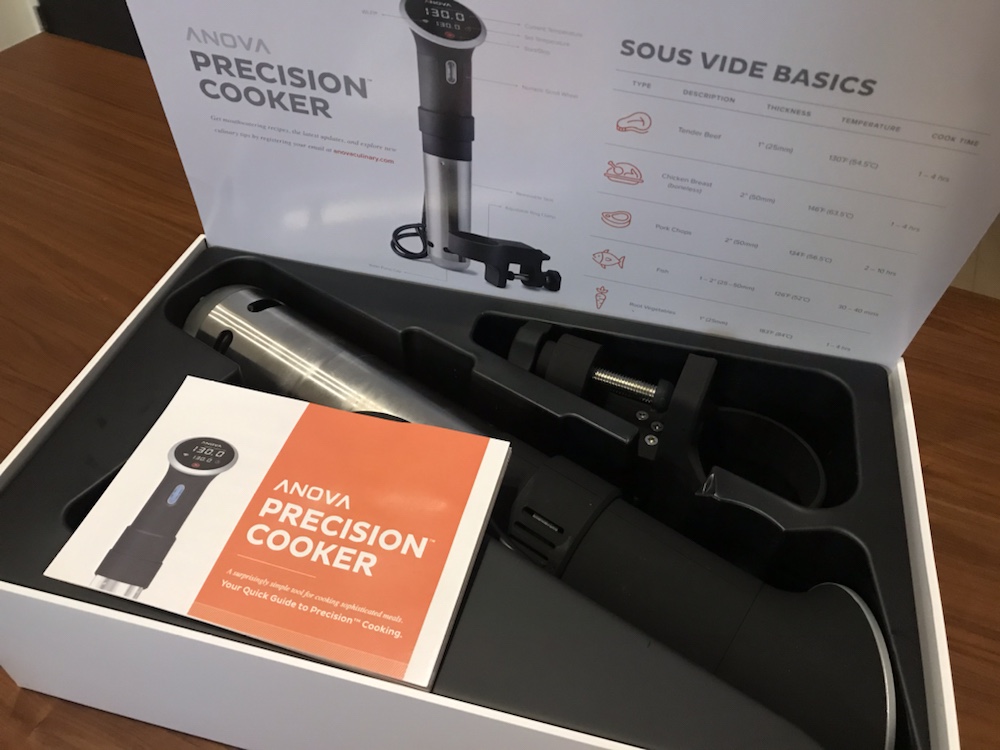
Lift the cover and you'll find the unit, the clamp that attaches it to your pot, and the instructions.
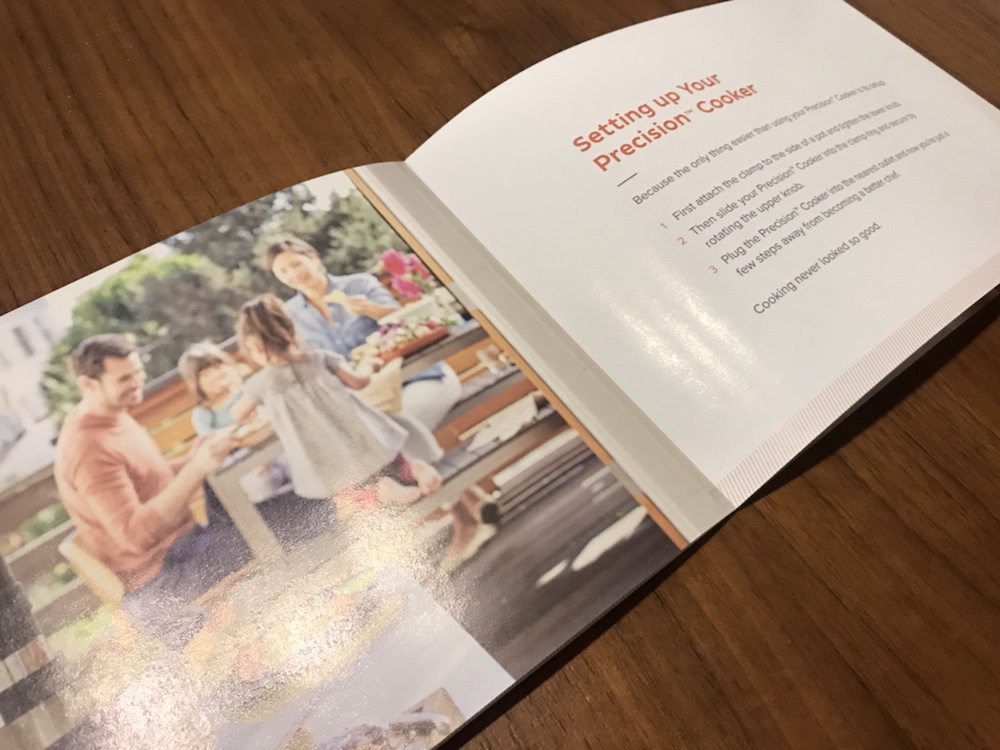
The instructions are Apple-like, with just simple explanations. Lovely.
By the way, the power plug is the overseas type, so if you don't have a compatible outlet, you'll need a plug adapter.
I was going to buy one too, but for some reason one of the outlets in my apartment had a compatible shape, so I could use it without an adapter!
You might have one in your home too, so it's worth looking.
It's an outlet shaped like this.
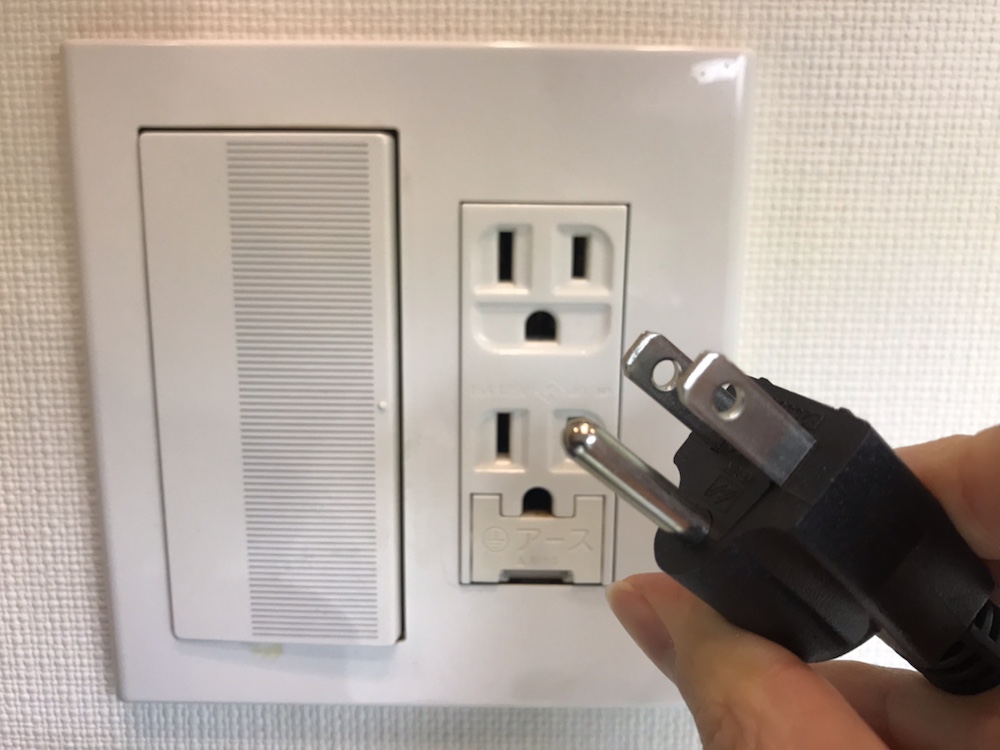
The catch is that it's the outlet in the bathroom's washing area, which is far from the kitchen and a bit inconvenient (lol).
When I go to check on things or wash my hands while cooking, I catch whiffs of the meat (lol).
How to Use the Anova App
The Anova app has lots of recipes, and lets you control the water temperature and cooking time.
You can download it by searching for Anova in the App Store.
The app is all in English, but there's not much to set up, so it's easy to use.
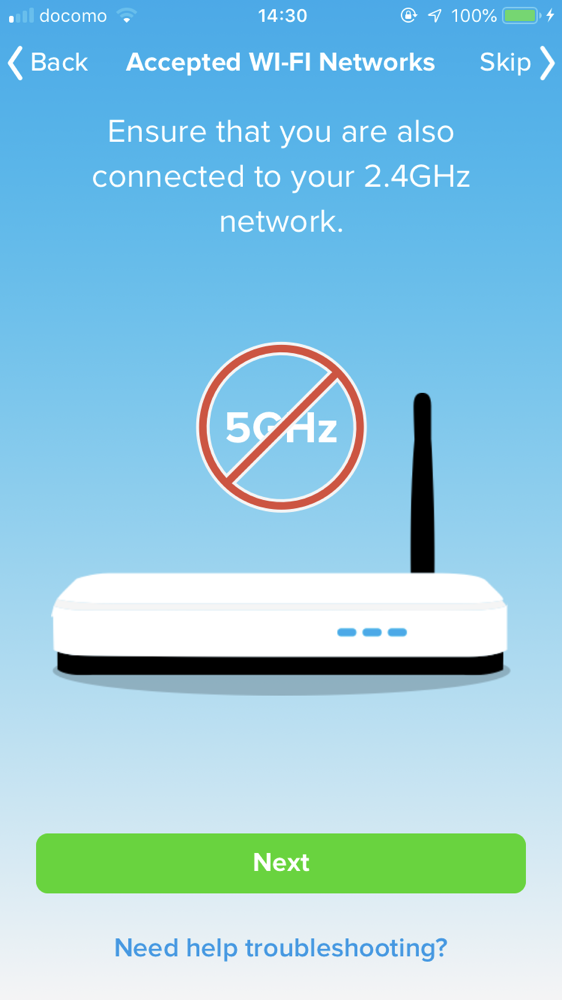
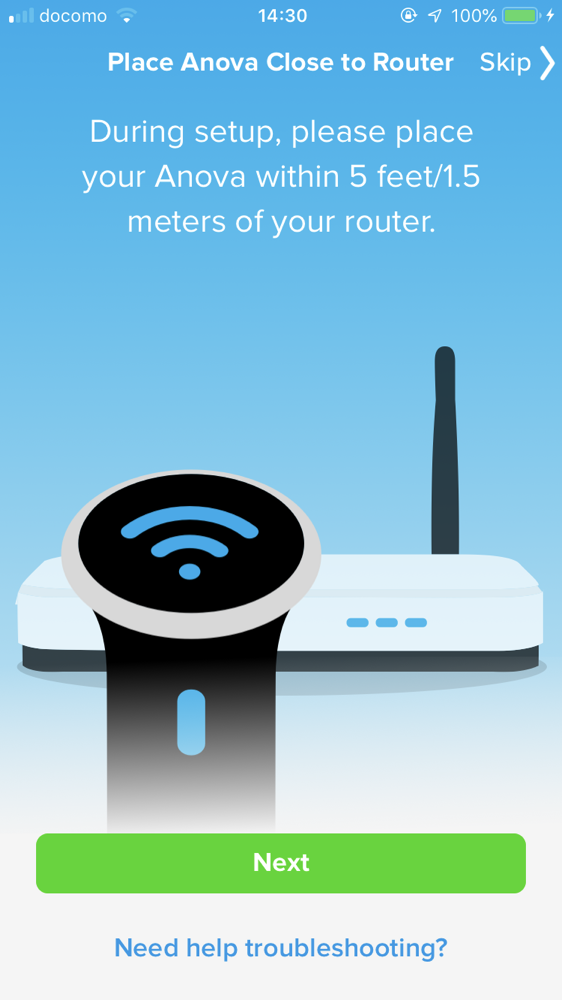
The first time, it tells you things like to use 2.4 GHz Wi-Fi and to set up within 1.5 m of the Anova, so follow the instructions to connect.
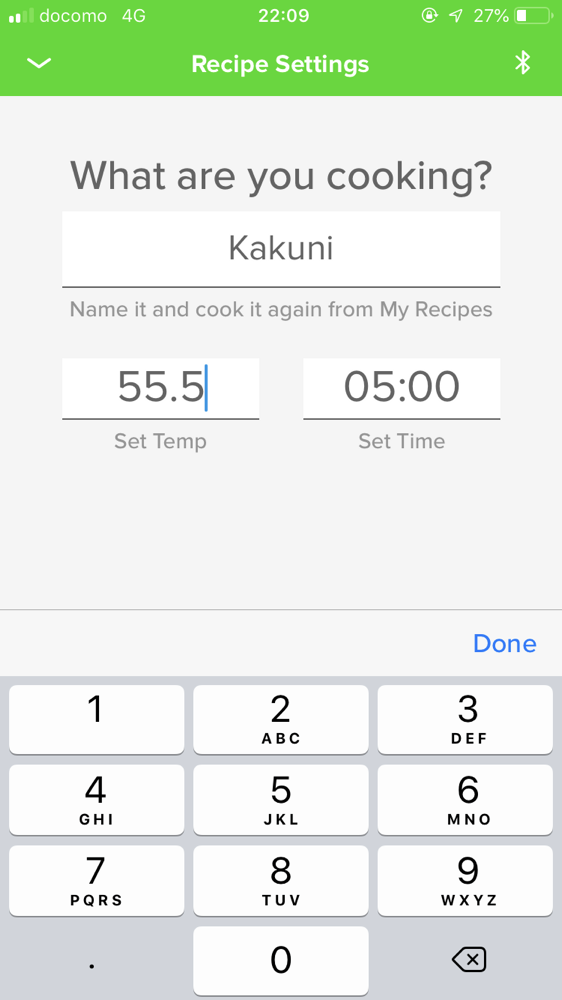
Name the dish, set the temperature and time, and preheating starts.
A countdown begins until it reaches the set temperature.
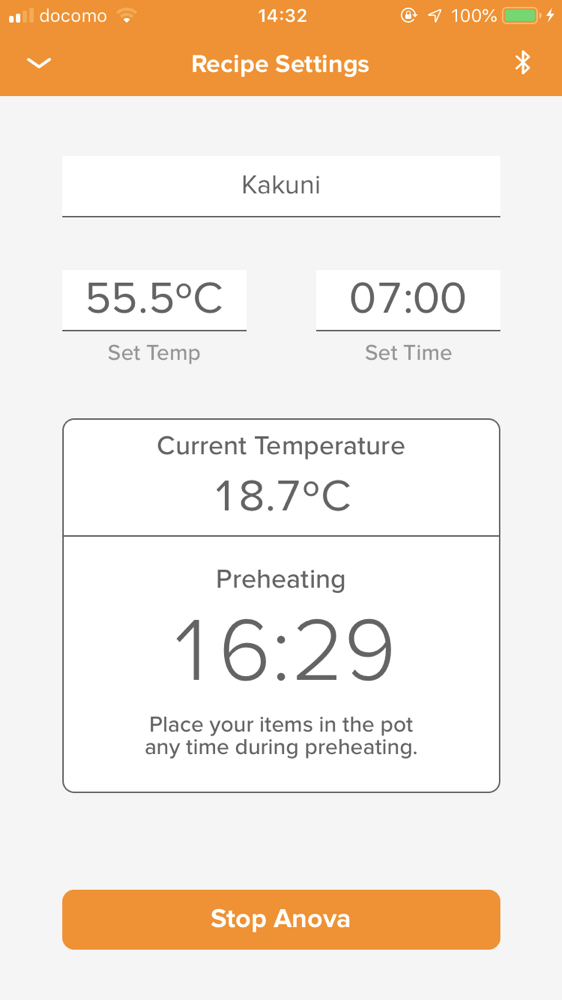
While it preheats, prepare your ingredients.
Put the food (and seasonings if needed) in a sealable bag such as a zip bag, and lower it into water to push the air out and create a vacuum.
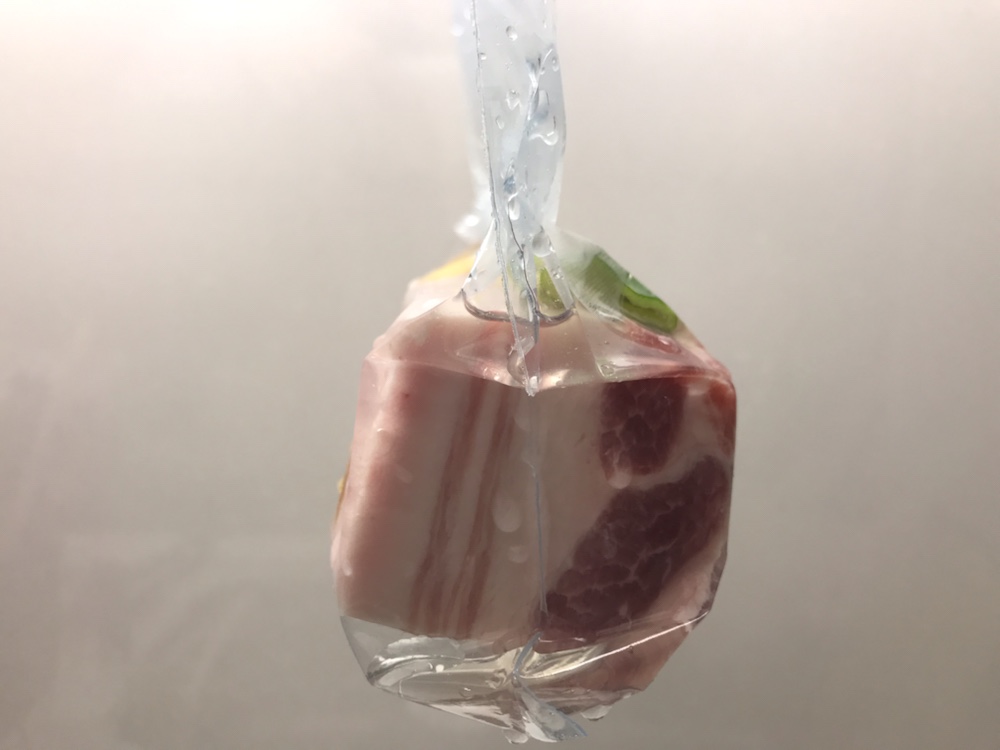
When the bag clings tightly like this, heat transfers better and the food cooks properly.
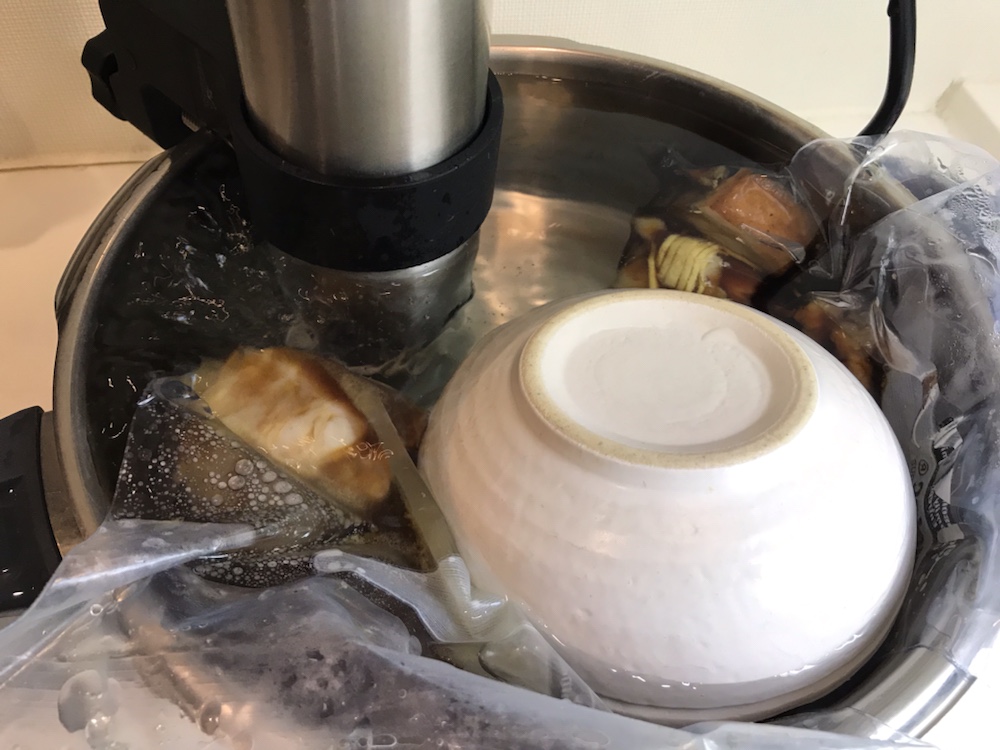
When it reaches the set temperature, the Anova beeps three times to tell you preheating is done, so all that's left is to put in the food and wait for it to finish!
By the way, it helps to put a dish on top as a weight, like this.
The home screen counts down the remaining time, so you don't have to stand guard.
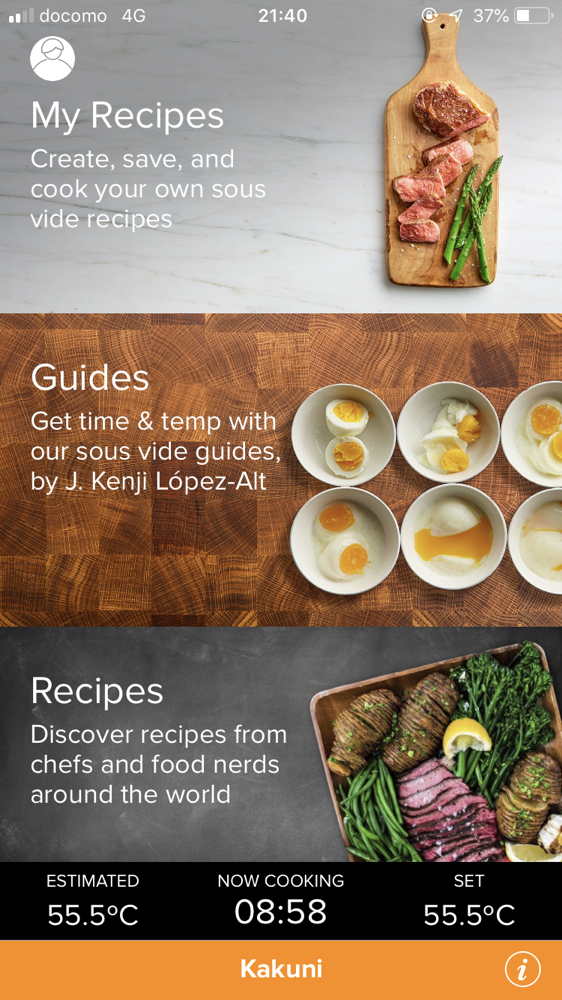
The app sends a notification when cooking is done.
It then switches to keep-warm mode and holds the temperature.
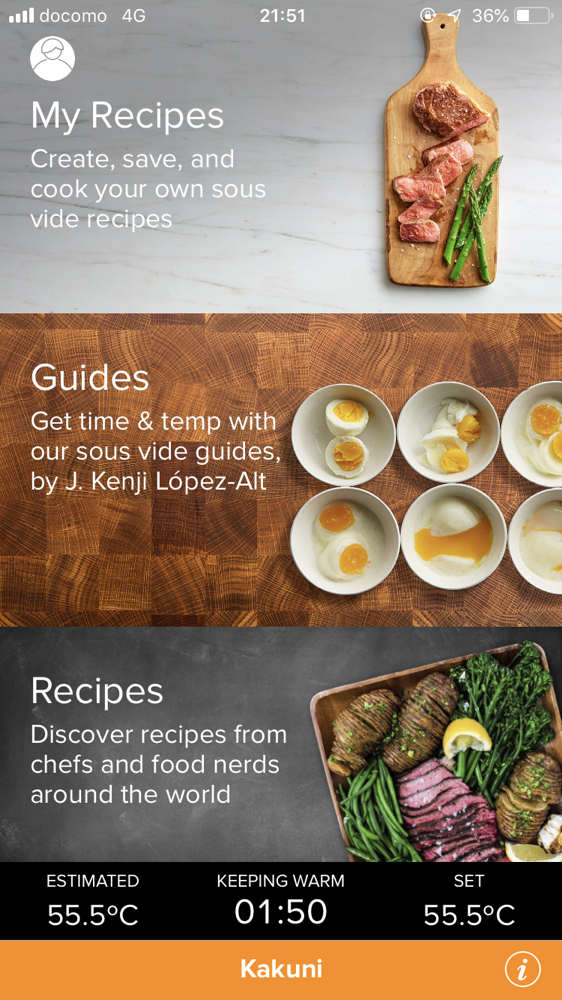
In practice, though, you probably can't leave it completely alone until it's done.
Especially when you're just starting out, the water level drops as the water heats up and evaporates, and the unit goes "Beeeeep!"
and you'll be curious how things are turning out, so you end up pacing back and forth in front of the pot (lol).
Try using extra water, a deeper pot that fully covers the Anova, or plastic wrap or a lid to prevent evaporation!
Using the Anova by Hand
You can actually use the Anova manually, too.
It's extremely simple.
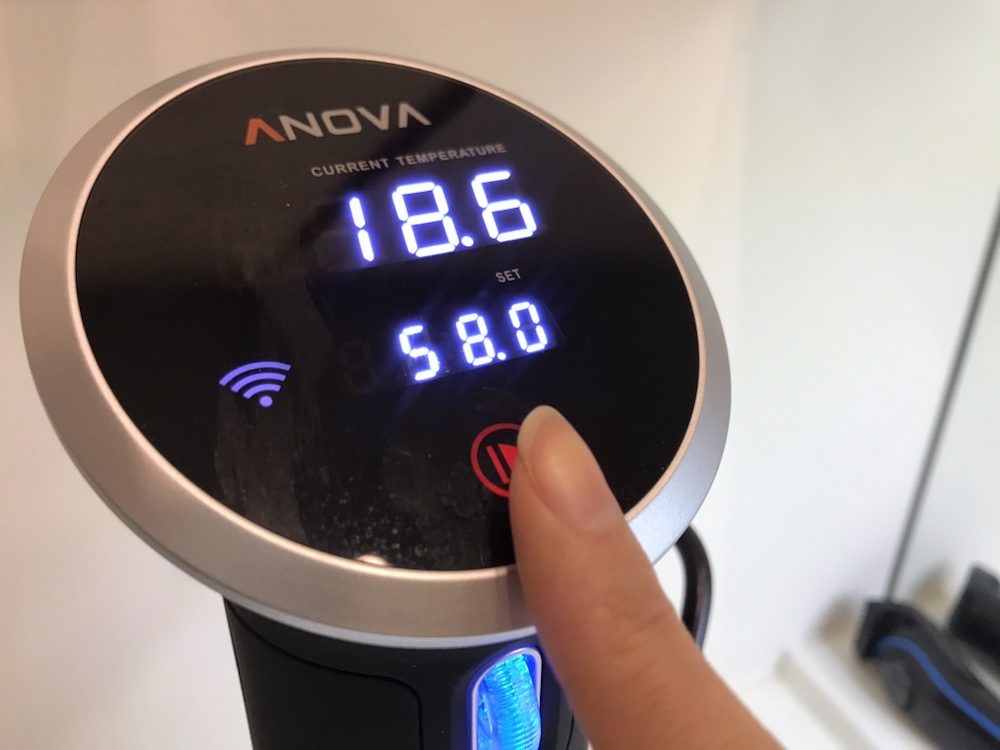
First, turn the glowing scroll wheel to set the temperature you want.
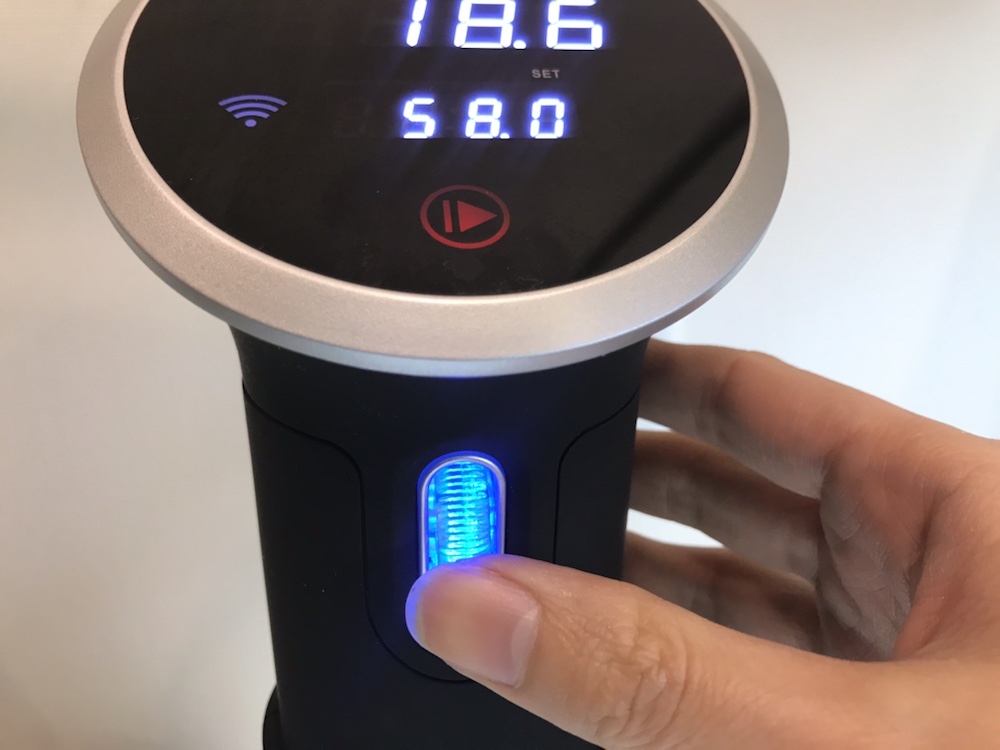
Then just tap the triangle button on the display at the top to start heating.
It keeps heating until you stop it manually.
Unlike with the app, you can't check the remaining time or current temperature, so you need to be home, but otherwise there's no real difference.
You wouldn't go out in the middle of cooking anyway.
Lately I don't use the app and cook almost entirely by hand.
You can stop and start it easily, so I think manual is more convenient!
The Anova, a Sous-Vide Cooker from the Future
So that was an introduction to the Anova sous-vide cooker.
I think you probably found it surprisingly easy to use.
Above all, unlike traditional sous-vide methods, the Anova is fully automatic, so it's easy!
- Simmering a pot on low heat for hours: you have to stay by the stove controlling the heat
- Letting food sit in a hot-water bath after boiling and turning off the heat: the temperature keeps dropping
- Using the keep-warm setting of a rice cooker: you don't know the exact temperature, and some models briefly get hot for sterilization
With the Anova, you just put the food in a pot and leave it, and you can enjoy fine-dining flavors at home, so if you love cooking, I think you'll have fun with one.
That's all, and I hope it helps!